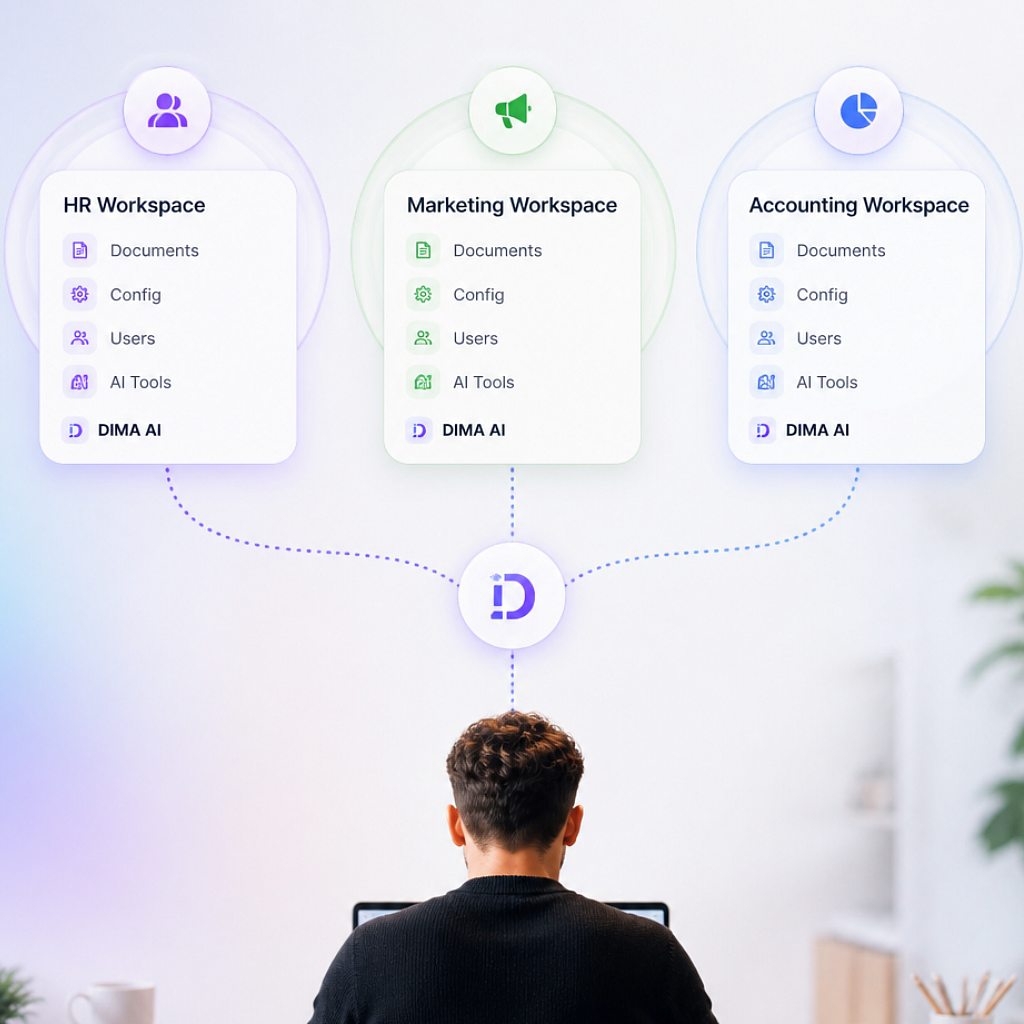
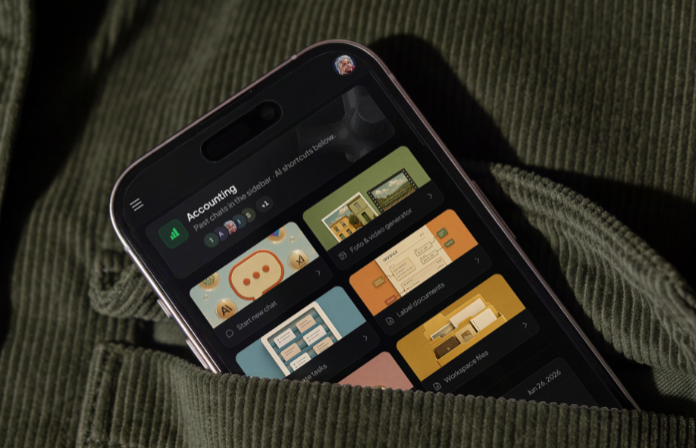
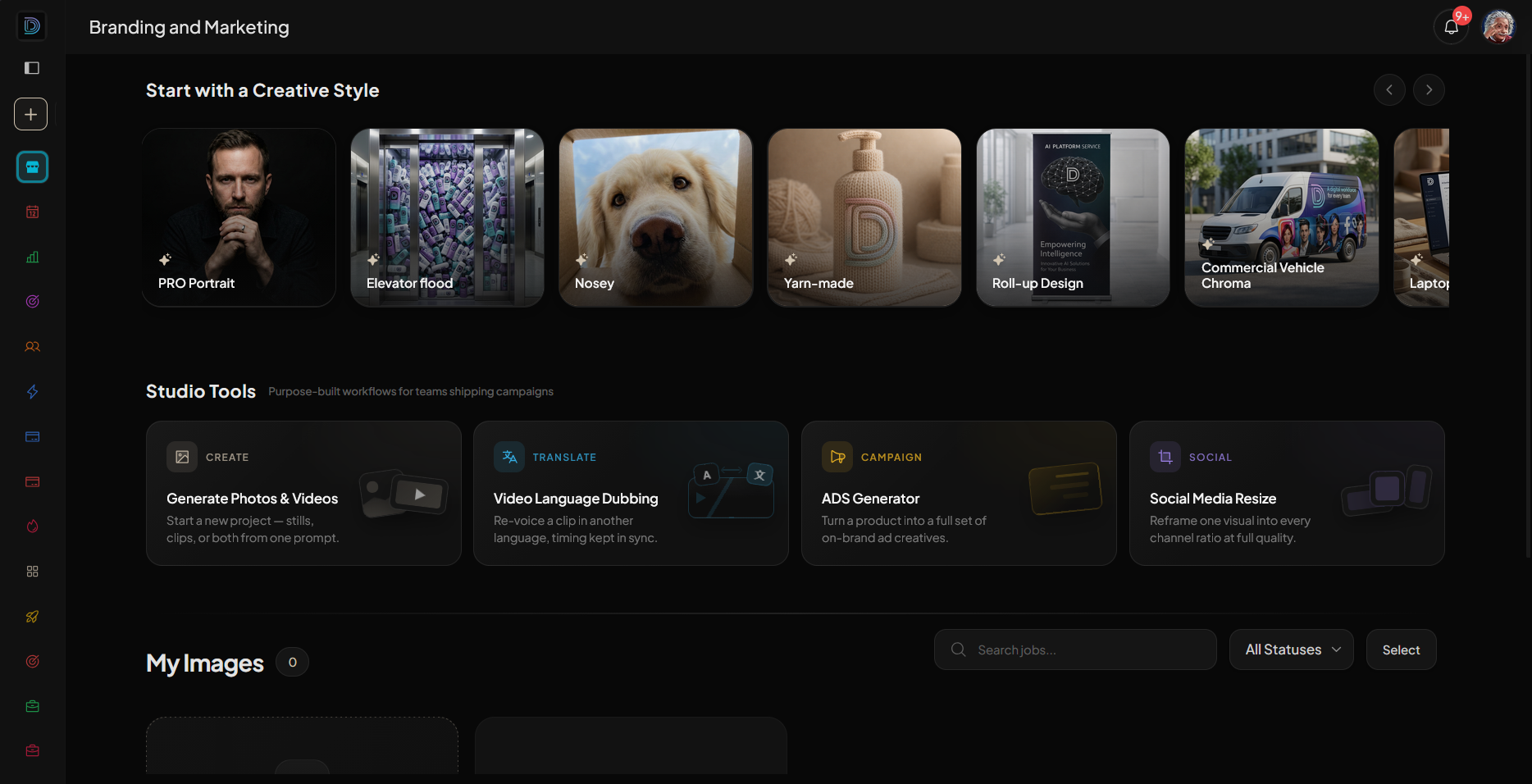
AI work, organized by department or project

Create a workspace. Set the people, the files, and the rules.
Make another when you need it.

Trusted by companies all around the world

Free 7-day trial30 credits free usageCancel anytime

app.dima-ai.com
DIMA workspace with members, AI tools, and the action feed

For the company

AI for the entire team, built for their needs

Workspace Knowledge

Give every workspace its own context

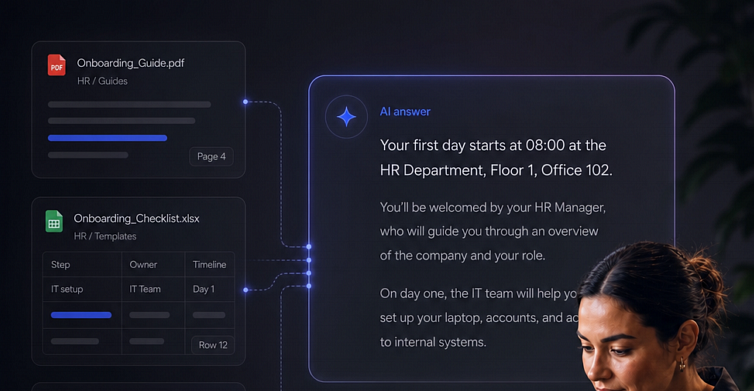
Each workspace has its own knowledge and preferences, so agents have the right information and know how to work for that team.

  • Answers from your team's files
  • Remembers how your team works
  • Keeps each team's context separate
  • Ready for new teammates from day one
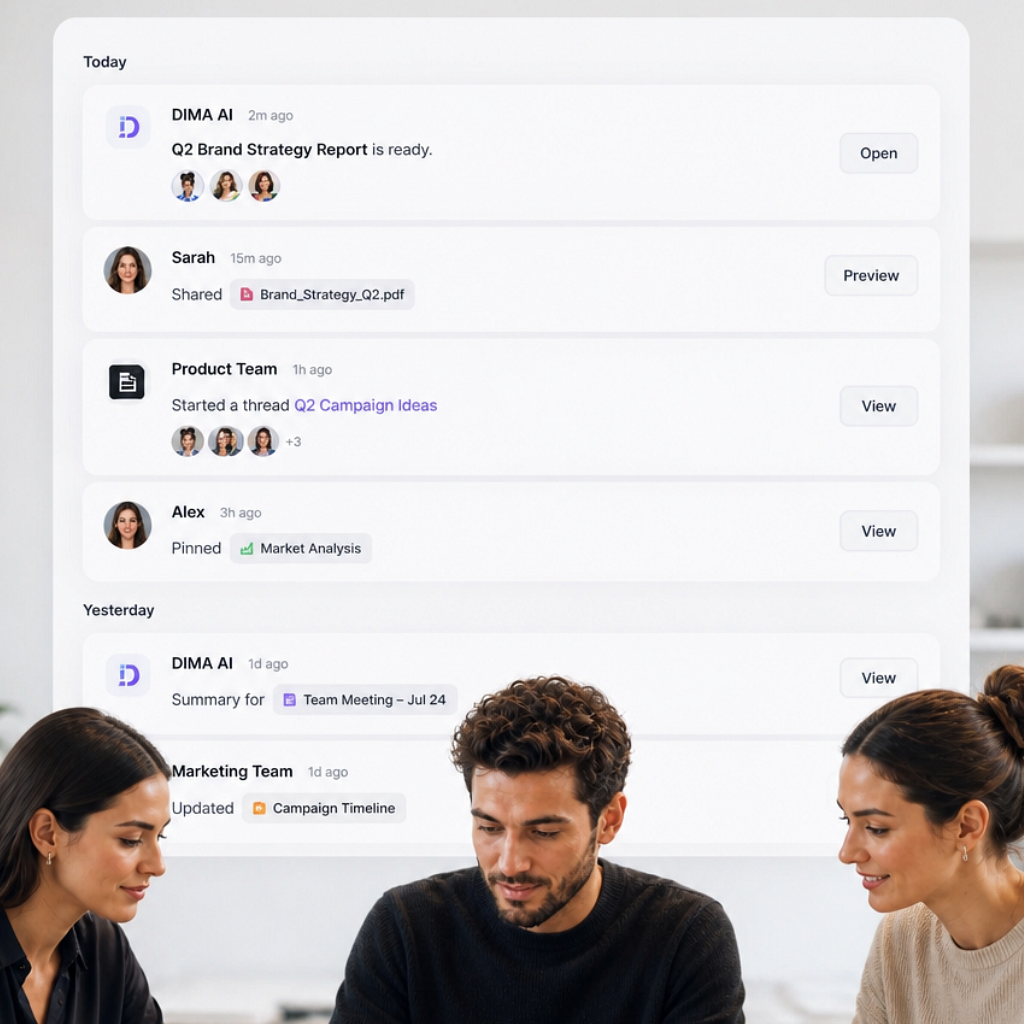
Workspace knowledge answering from this team's files in DIMA

AI Tools

Every workspace gets the AI tools it needs

Give each team the tools that fit how they work, connected to their files, knowledge, and workflows so everything works together in one place.

  • The right AI tools for each team
  • Connected to the files and context they use
  • Tools work together across the same workspace
  • Add new tools as your needs grow
AI tools running inside a DIMA workspace

Feed

Human-Machine collaboration feed

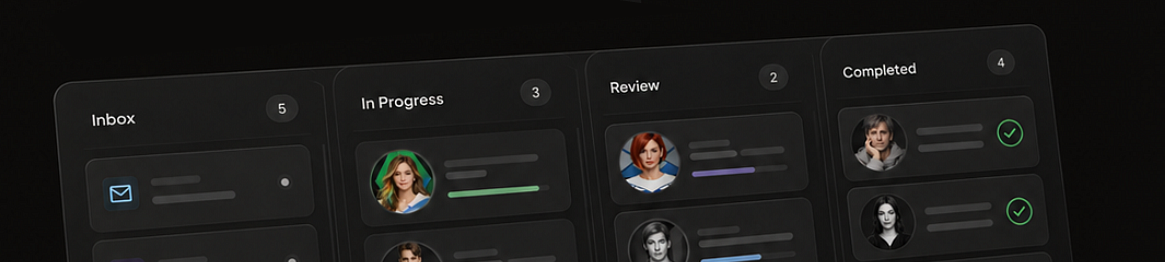
A shared feed for the work your team creates with AI. Catch up on what changed, review outputs, comment, and see what agents completed without chasing updates.

  • See what your colleagues created
  • Follow AI work as it happens
  • Review, comment, and tag teammates
  • Stay up to date without status meetings
Workspace feed showing team and AI work

Access

Make each workspace work your way

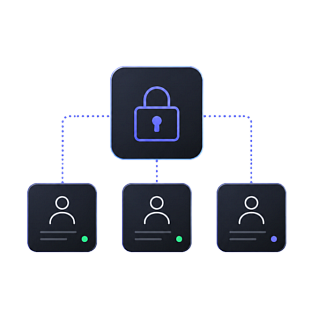
People

Control who has access

Workspace members and permissions in DIMA

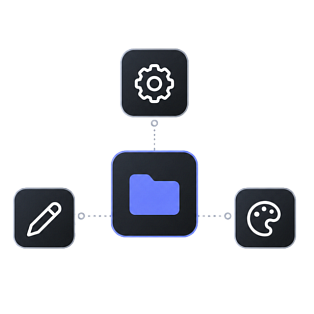
Rules

Write how this workspace should answer

Workspace rules and access configured in DIMA

Models

Switch on the models this team may use

Choose GPT, Claude, Gemini and other models per workspace

Workspaces

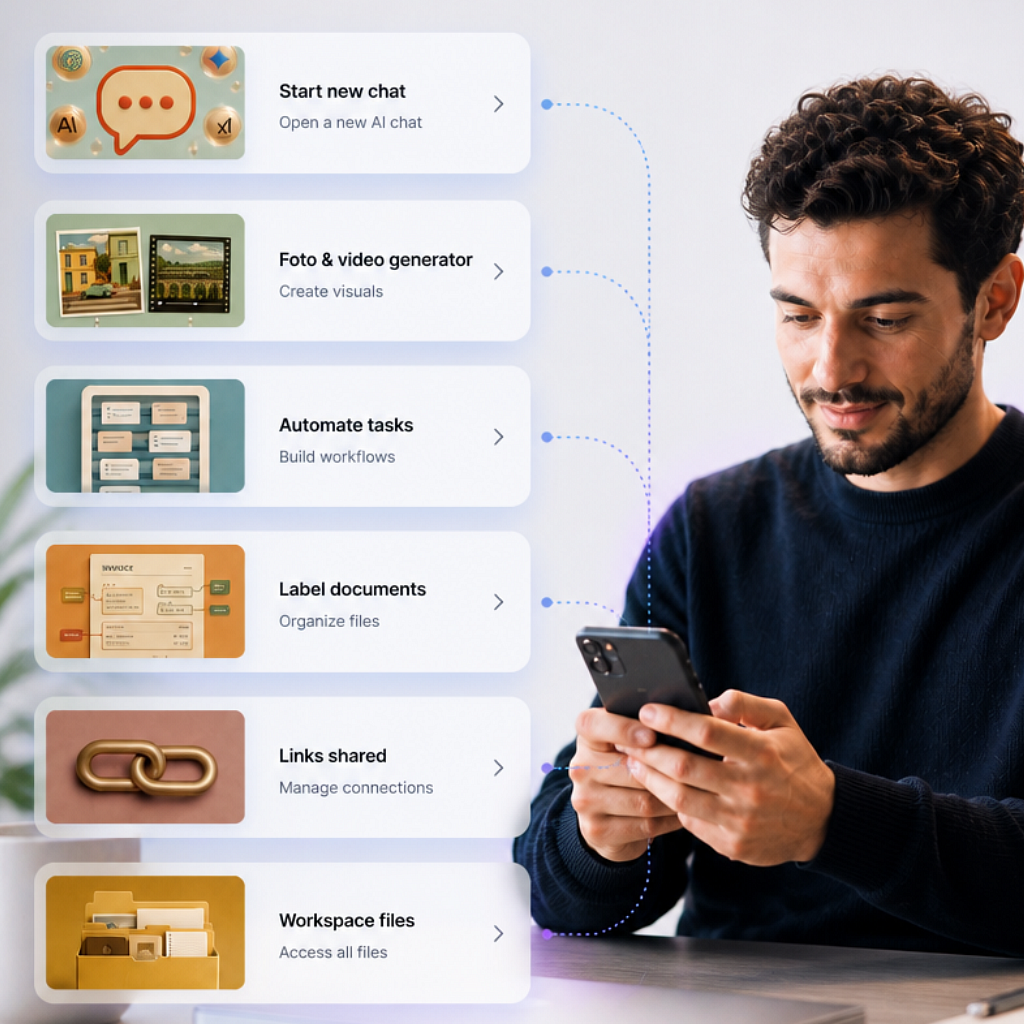
One workspace. Every tool built in

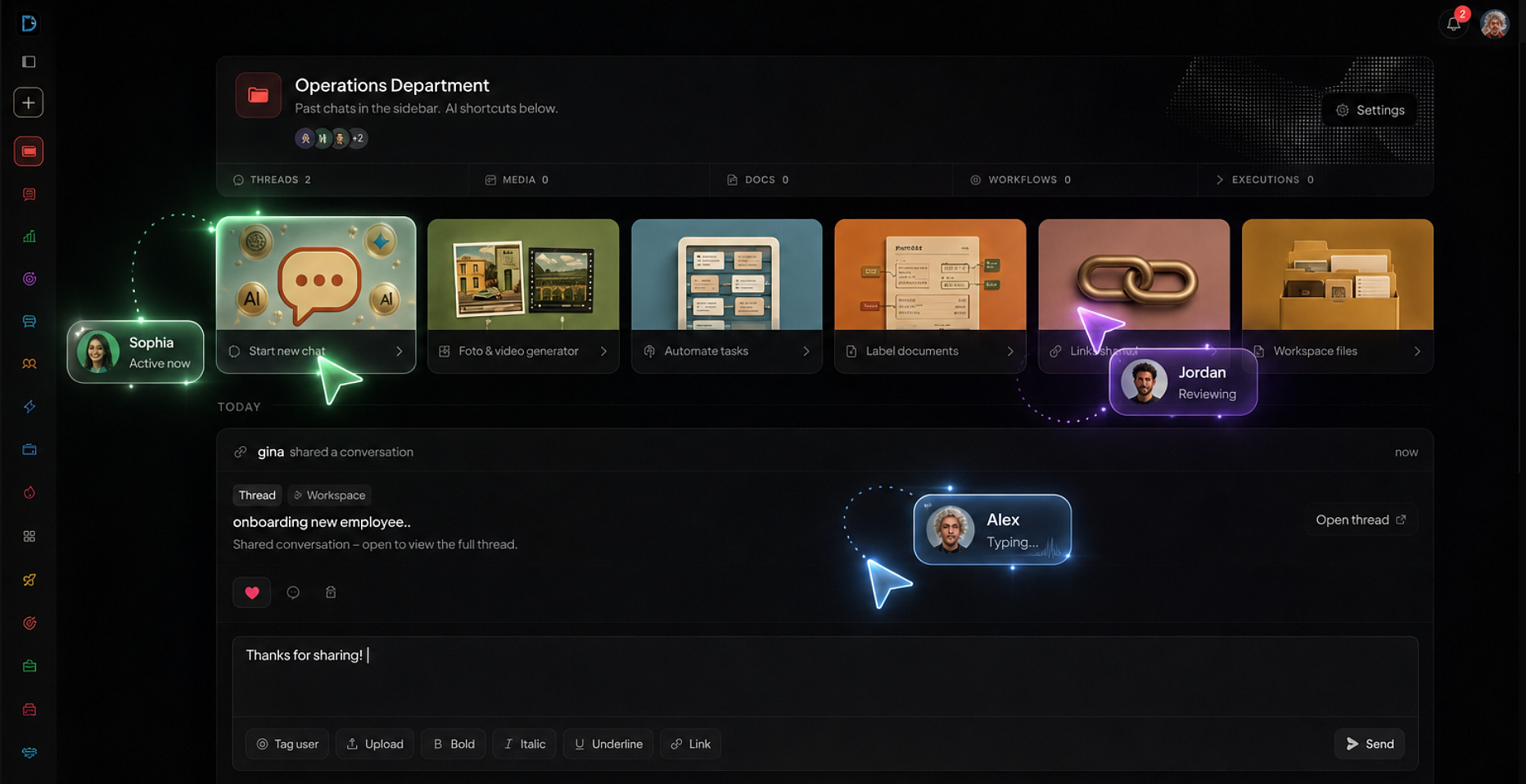
Workspace action feed and AI shortcuts

Feed

Post a thread or a gallery. Comment on it here.

People

Who has access

You choose who can enter this workspace.

Answers grounded in workspace files

Files

Answers from the documents you added.

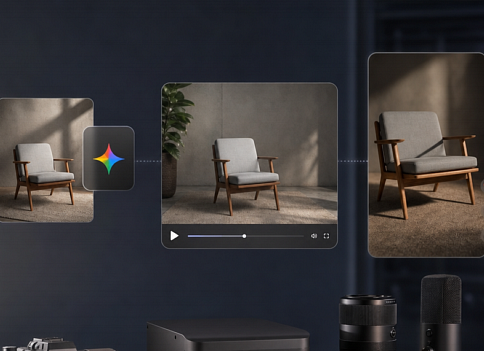
Media Studio inside a workspace

Studio

Stills and ads for this team.

Rules

How it should answer

You write the voice and the limits once.

Models

Only what you switch on

GPT and Claude here. A wider set on research.

Automations running inside a workspace

Automations

Workflows that only see this workspace.

Labeling

Templates live here too

Mark the blanks once. Generate from this team's files.

See file labeling

What you can do

Campaign workspace

Last quarter's files, this week's ads, one place to work from.

Gallery for brand

Share the set from Studio. Brand comments on the feed.

Ads from the brief

Picture and line from files already in the workspace.

Monday's numbers

An agent posts last week's results to the feed.

Next brief

Generate it from the template this team already uses.

New marketer

Invite them. The files and the feed are already this team's.

Each workspace

People, files, and rules stay in that workspace. We never train on the data

Roles per workspace

Who is in, what they can run, and what they can share.

Work stays in the room

Files, runs, and the feed do not leak into the next workspace.

No data training

Prompts, files, and threads stay yours. Never used to train a model.

GDPR-ready

Roles and residency follow the rules you set, per workspace.

For the whole team

Organize AI work for the entire team

One shared place for files, AI tools, and work history. Every team member works from the same context and picks up where others left off.

  • Shared team context
  • All AI tools included
  • Free trial