


New Security Enhancements & Platform Updates at DIMA-AI
Published by the DIMA-AI Team · June 2026
As organizations continue to rely on AI for critical business operations, security and reliability remain at the core of everything we build. This month, we're introducing two meaningful platform upgrades designed to keep your accounts protected and your workflows running with confidence.
Here's what's new.
Two-Factor Authentication (2FA) Is Now Available
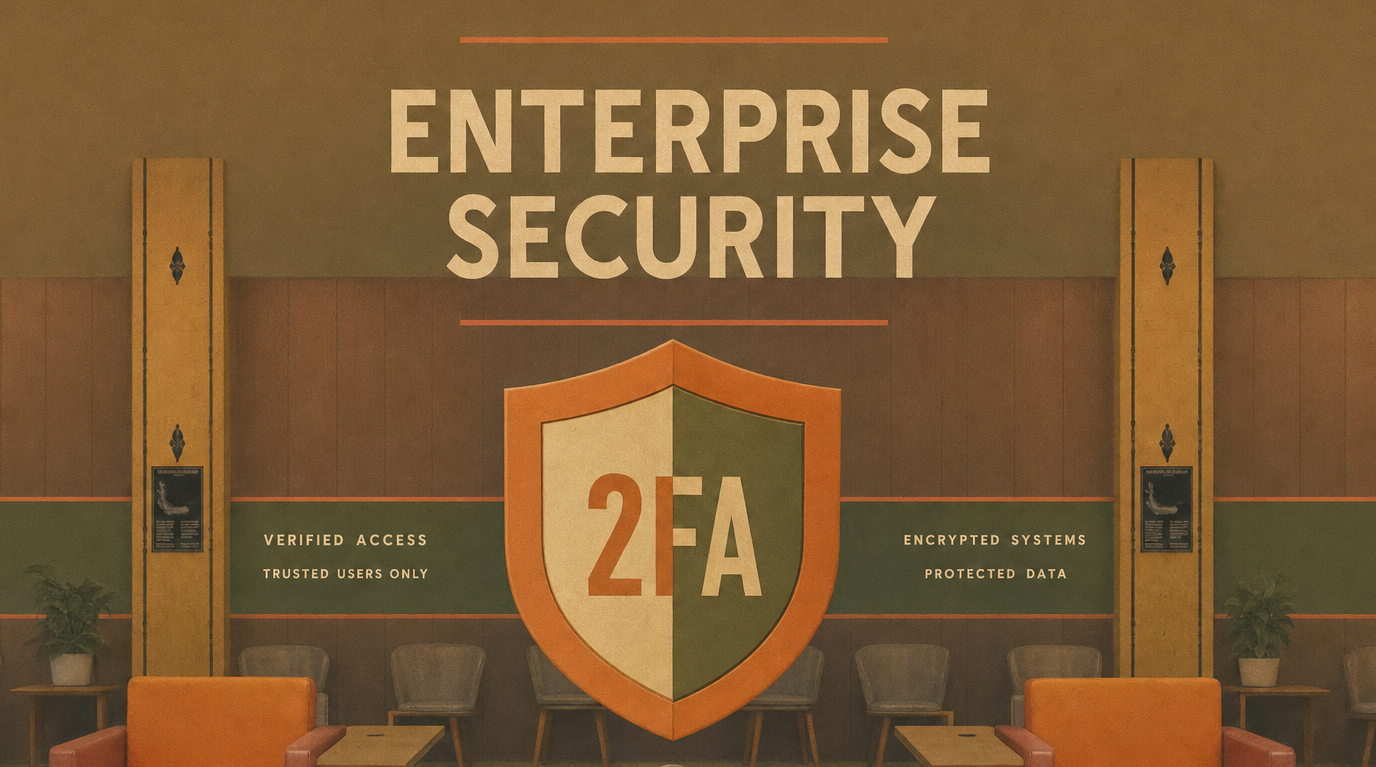
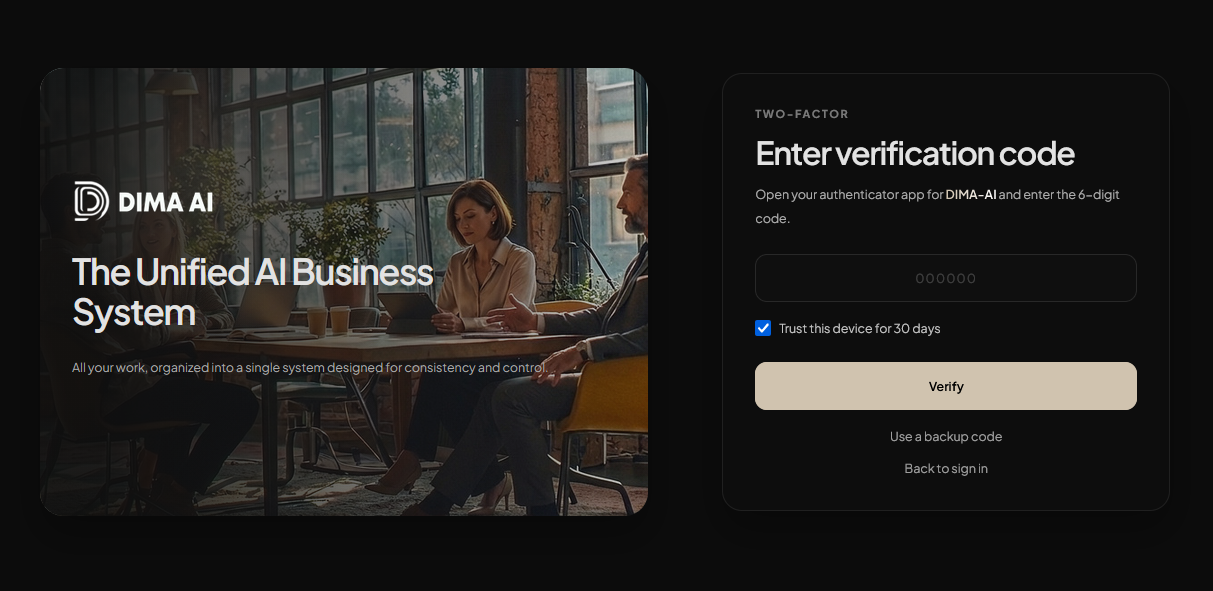
Account security is foundational — and a strong password alone is no longer enough. We've added Two-Factor Authentication (2FA) to DIMA-AI, giving every user an additional layer of protection at sign-in.
Setting up 2FA takes less than a minute from your account settings. Once enabled, a second verification step is required each time you log in — so even if login credentials are ever exposed, your account stays protected.
What this means for your organization:
- Accounts stay protected even if passwords are compromised
- Unauthorized access attempts are blocked at the door
- Company data and AI workflows are kept in the right hands
- Simple self-serve setup — no IT intervention required
We strongly recommend enabling 2FA for all users across your organization. It's one of the most impactful steps you can take to secure your AI environment.
Automatic Session Timeout After Inactivity
Alongside 2FA, we're also introducing automatic user logout after a configurable period of inactivity. Admins can now set a session timeout threshold — and any user who steps away from an active session will be securely logged out after that time elapses.
This is especially important in shared office environments, remote work setups, or any context where a device might be left unattended.
What this means for your organization:
- Unattended sessions no longer pose an open door to sensitive data
- Aligns with enterprise security policies and compliance requirements
- Reduces exposure risk without requiring manual logout discipline from users
- Configurable per your organization's needs — short windows for high-security teams, reasonable defaults for everyday use
Security shouldn't depend on users remembering to log out. Automatic timeout makes it a guarantee.
Security That Works in the Background
Both of these features reflect the same principle: strong security should be effortless to maintain. 2FA and session timeout work quietly in the background, protecting your organization without adding friction to daily work.
Enabling both is straightforward. Head to Account Settings to activate 2FA, and contact your admin to configure your organization's session timeout policy.
More updates are on the way as we continue building DIMA-AI into the most complete AI operating system for businesses.
The DIMA-AI Team
 DIMA
DIMA